

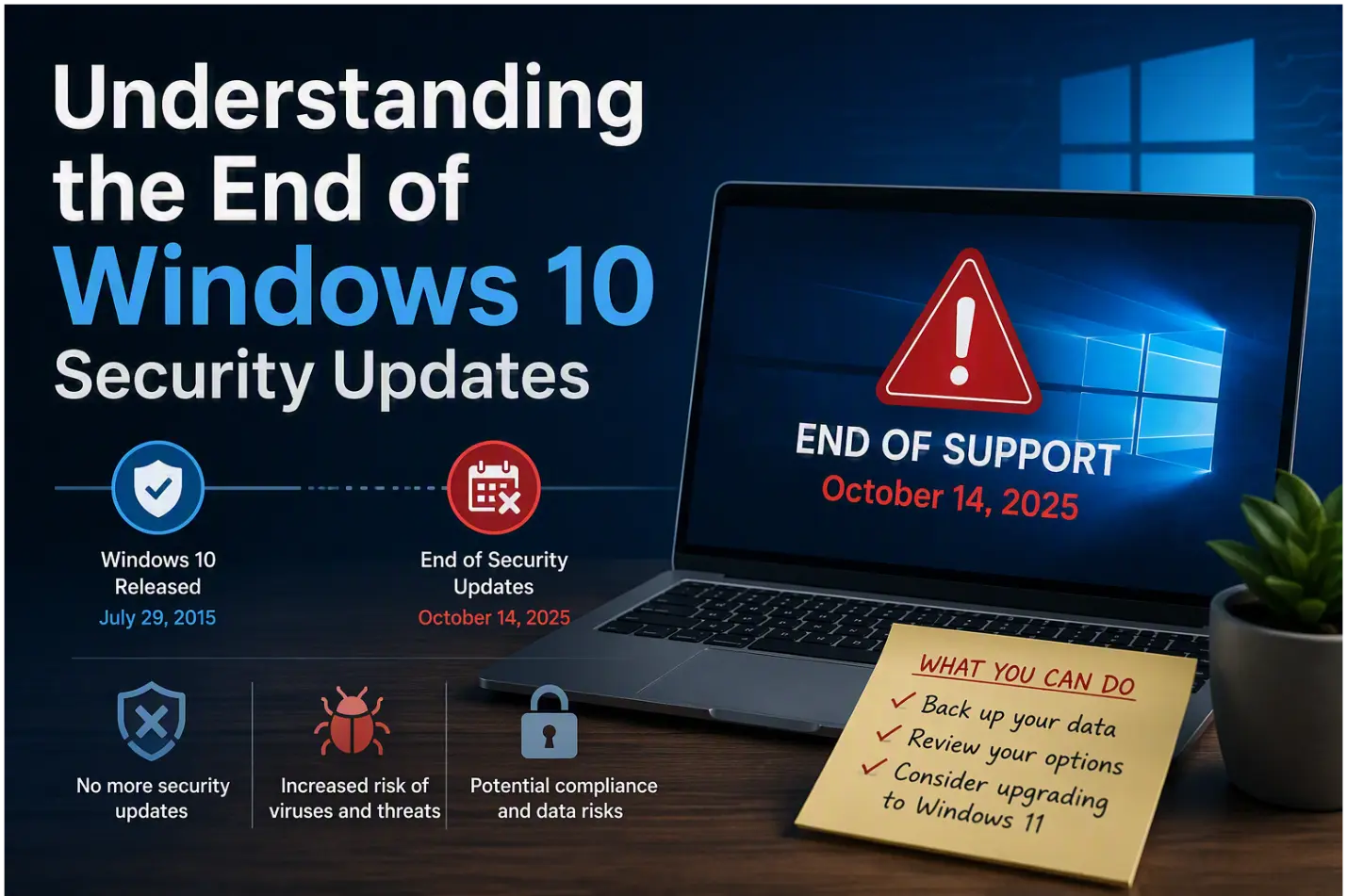
Understanding the End of Windows 10 Security Updates
In the bustling business landscape of Fort Wayne, staying ahead of technological changes is not just a matter of convenience—it’s a necessity. One pivotal change on the horizon is the end of security updates for Windows 10. Microsoft, the giant behind the Windows operating system, has announced that it will cease providing security updates for Windows 10, marking a significant shift for businesses still relying on this platform.
Security updates are critical as they protect systems from vulnerabilities and threats that can compromise data integrity and business operations. Once these updates cease, systems become increasingly susceptible to cyberattacks, such as malware and ransomware, which can exploit outdated software. For businesses in Fort Wayne, where the digital economy is rapidly growing, this could mean facing heightened risks of data breaches, financial losses, and reputational damage.
Moreover, the end of Windows 10 support doesn’t just affect security. Without updates, software compatibility issues may arise, leading to operational disruptions and inefficiencies. Understanding this impending end-of-support scenario is crucial for proactive businesses ready to transition to more secure and efficient systems, ensuring they continue to thrive in a competitive market.
Risks of Continuing with Unpatched Systems
In the ever-evolving landscape of cybersecurity threats, maintaining an outdated, unpatched operating system like Windows 10 poses significant risks for businesses in Fort Wayne. Without regular updates, systems become vulnerable to a myriad of cyber threats, which can result in catastrophic consequences for any business. These unpatched systems act as open invitations for cybercriminals, who are constantly on the lookout for security loopholes to exploit. This vulnerability is particularly concerning for small to medium-sized businesses that may not have the resources or expertise to defend against sophisticated attacks.
One of the primary risks associated with unpatched systems is the increased likelihood of ransomware attacks. These malicious programs can lock businesses out of their own data, demanding substantial ransoms for access. Additionally, data breaches become more probable, exposing sensitive customer and business information, potentially leading to regulatory fines and reputational damage. The operational disruptions caused by these security incidents can be devastating, halting business processes and leading to significant financial losses.
Furthermore, the absence of security updates means that businesses are unable to benefit from the latest advancements in security technology. Newer systems offer enhanced protection mechanisms, such as advanced threat detection and response capabilities, which are crucial for safeguarding sensitive data. By continuing with unpatched systems, businesses not only risk falling behind in terms of security but also miss out on improved functionalities that can optimize their operations.
Therefore, upgrading from Windows 10 is not merely a technical necessity but a strategic decision that fortifies a business’s defense against escalating cyber threats, ensuring the protection of critical assets and the continuity of operations.
Creating an Inventory of Windows 10 Machines
Before embarking on the journey of upgrading from Windows 10, Fort Wayne businesses must first take the essential step of creating a comprehensive inventory of their existing Windows 10 machines. This foundational process not only sets the stage for a smooth transition but also provides valuable insights into the current technological landscape of the organization.
Begin by cataloging each device running Windows 10. This includes desktops, laptops, and any other systems integral to your operations. Take note of key details such as the hardware specifications, current software configurations, and any peripherals connected to these machines. Understanding the exact number of devices and their specifications allows businesses to assess which systems are compatible with newer operating systems and which may require hardware upgrades.
Benefits of a Detailed Inventory
- Identifying Upgrade Needs: A thorough inventory helps pinpoint machines that can seamlessly transition to the latest OS versus those needing additional resources.
- Budget Planning: With clear visibility into the number and type of machines, businesses can allocate budgets effectively, prioritizing upgrades where necessary.
- Strategic Planning: Knowing your current assets supports strategic IT planning, ensuring that future software deployments align with the organization’s growth and technological goals.
By establishing a detailed inventory, businesses in Fort Wayne can ensure they are prepared for a successful upgrade, minimizing disruptions and maximizing the benefits of new technology.